
Name-Based Case Searches
Each Perry County CaseLook form wants a name typed as last, first middle. The forms also tell you to search one thing at a time. Pick the court most likely to own the case first. Choose a case-type group if you know it. Then submit the CAPTCHA. A name search finds a civil, felony, misdemeanor, traffic, probate, or other case only one way. It works through the portal built for that court.
Need a human? The Perry County Common Pleas Clerk can explain procedure and help track down case information. Staff cannot give legal advice or fill out forms for you, though. The Common Pleas Clerk page lays out those service limits and the local assistance channel.
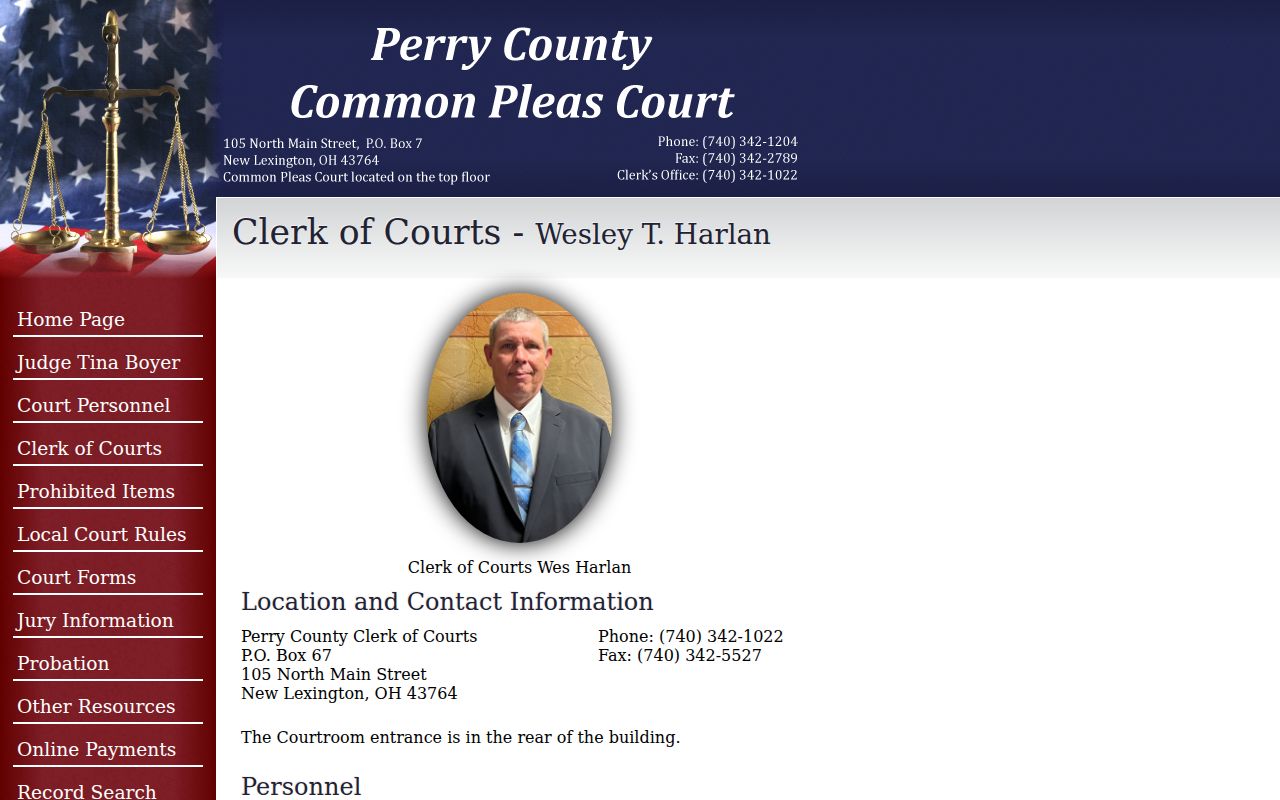
When a Common Pleas search needs verification or a document request, the clerk contact is the Perry County fallback. The office can supply case information directly.
- Choose the Perry County court that matches the case type.
- Open that court’s CaseLook entry and accept the portal terms.
- Enter the name in last, first middle form as one search criterion.
- Select a known type category or keep categories broad where the court allows it.
- Complete CAPTCHA, open the returned record, and preserve the court and case number.
Perry CaseLook Search Syntax
Perry County Common Pleas CaseLook takes either a Name/Company or a Case Number. Never both at once. The name field stops at 30 characters. Match counts come in 25, 50, 100, or 250 per page. The court's Record Search form shows CA, CV, CR, DR, JL, and MI categories. Choosing fewer matches per page can help. It makes a broad name search easier to review.
| Field | Type | Required | Perry County notes |
|---|---|---|---|
| Name/Company | Text | One criterion needed | Use last, first middle; 30-character maximum. |
| Case Number | Text | Alternative | Common Pleas example is 12-CV-34567. |
| Case type | Checkboxes | Defaults all selected | CA, CV, CR, DR, JL, MI. |
| Matches per page | Radio buttons | Default 25 | 25, 50, 100, or 250 choices. |
| CAPTCHA | Text response | Yes for results | Audio and refresh controls appear. |
Note: A Perry County search form shows the search vocabulary that exists. It does not promise everything. Not every document, attachment, or field will show up in a returned record.
Municipal CaseLook keeps the one-criterion rule. But it widens the options: name, hearing date, a numbers-only case number, file date, or ticket number. Municipal searchers can filter Traffic, Criminal, Civil, Small Claims, and Parking. Then they set the match count before the CAPTCHA. Probate runs a separate form with name, numbers-only case number, file date, and category. In every Perry County docket search, pick the court before you pick the field.
Case Number Searches
A case number often beats a name for precision. The catch is that its format depends on which Perry County court issued it. Common Pleas shows an example like 12-CV-34567 and keeps its category codes separate. Municipal CaseLook takes digits only in its Case Number field, no letters. It treats Ticket Number as its own field. Probate also uses a numbers-only case number. Run the number only in the system that issued it.
Municipal adds Hearing Date and File Date selectors. It also offers Traffic, Criminal, Civil, Small Claims, and Parking filters. For a citation, the ticket number may be the sharpest route. A Common Pleas CR, CV, or DR code routes differently than a Municipal TR, CR, CV, or SM code.
A Perry County number that returns nothing should not be bent to fit another portal. Ask which court actually issued it. Check whether the field accepts letters or only digits. Make sure a ticket number was not typed into the case number field. A citation can carry both a ticket identifier and a court case record. The form treats those as two separate search paths.
Perry Court Type Filters
Local codes sort Perry County's court families apart. Common Pleas groups Appeals, Civil, Criminal, Domestic Relations, Judgment Lien, and Miscellaneous. Municipal splits Traffic, Criminal, Civil, Small Claims, and Parking. Probate offers Civil, Estate, Guardianship, Marriage, Miscellaneous, and Trusteeship. A type filter narrows a docket search. But an unsure searcher can leave the defaults broad rather than guessing a category from a caption.
Probate questions belong with the Probate office and its own CaseLook channel, not Common Pleas. The Probate Court contact page gives the local court record contact route for that court.
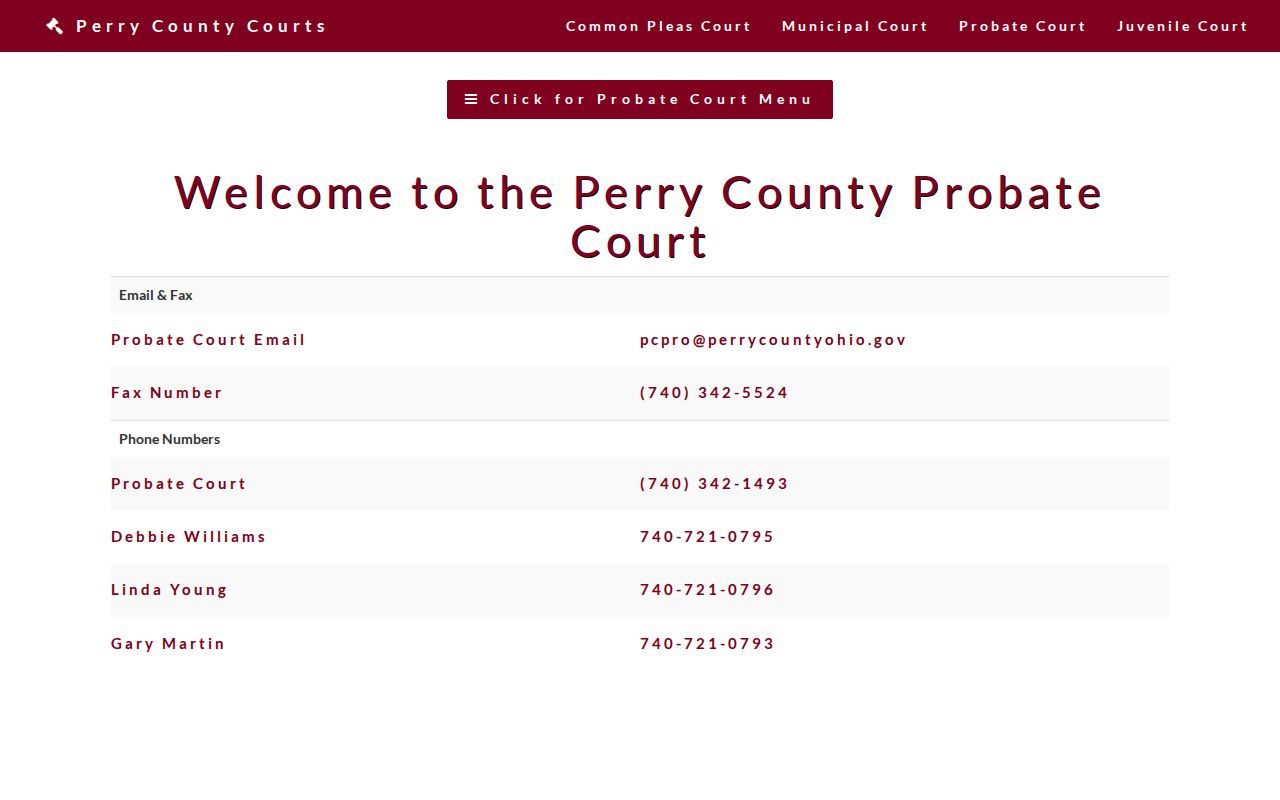
The Probate contact path serves a search that needs court-specific clarification rather than a loose countywide result.
Case Search Results Explained
A Perry County CaseLook result is an index to court action, so read it in order. Identify the court and case type first. Save the case number. Note the party labels. Then work through the dated history entries from oldest to newest. Keep one thing in mind. A filing date can differ from the day the online display posts the action. Treat the result as a lead, not proof of a document image, bond amount, balance, disposition code, or next setting; the clerk confirms what a case file truly holds.
| Court and type | Identifies the Perry County record family and the correct confirmation office. |
|---|---|
| Case number | The local identifier to save for a follow-up request. |
| Caption and roles | Party information displayed by the portal. |
| Filing date | Date a document or case was received, which may precede posting. |
| Dated history | Chronological actions available in the portal record. |
Confirm any current appearance requirement with the court. For a filed paper or certified record, request it from the office that holds the file.
Perry Three Portal Routes
Perry County splits its public CaseLook access into three doors instead of one master search. Common Pleas handles felony criminal cases, general civil matters, domestic relations, judgment liens, appeals, and a miscellaneous bucket. Municipal Court takes countywide traffic, misdemeanors, civil claims, small claims, and parking. Probate runs a third CaseLook route for the categories it lists. Each portal puts you through a terms flow and a CAPTCHA. So treat live results as leads rather than verified court records.
Juvenile Court stands apart. No public Juvenile CaseLook link exists. Start with the Juvenile Court contact page for authorized access questions, by phone at 740-342-1118 or by email.
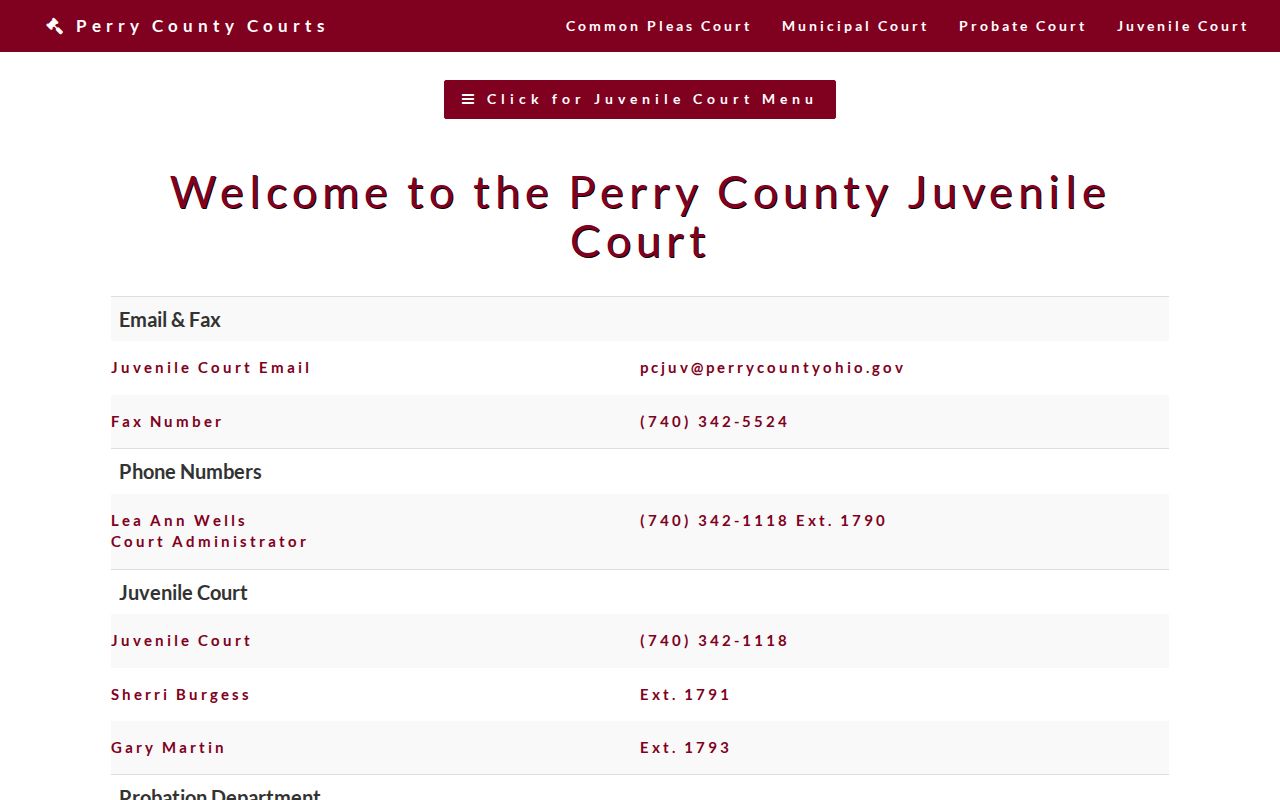
Keeping juvenile cases on a separate channel protects them. A Perry County adult case search can never stand in for an authorized juvenile-record lookup.
The split also tells you whom to call next. Need a Common Pleas record verified? The Perry County Clerk of Courts answers at 740-342-1022. For a Municipal Court filing, use 740-342-3156. Probate sits at 740-342-1493, and Juvenile at 740-342-1118. Each office knows its own docket, and none of them can substitute for another court's file.
Two Ways to Search: County and State
A Perry County trial-court case lives in the county court portal, not a state one. Ohio offers no single statewide public docket portal covering every trial court. The Supreme Court's eStats Public Reports system tracks aggregate statistics only. It is not a case lookup. It may show reported court activity across the state. But it cannot open an individual case record or replace local CaseLook.
| Search source | What it can provide | What it does not replace |
|---|---|---|
| Perry County CaseLook | Local court case-history search after terms and CAPTCHA. | Verified records, restricted files, or all court divisions. |
| Ohio eStats Public Reports | Aggregate court and judge activity reports. | Individual Perry County case lookup. |
| PACER for federal court | Federal docket access through an account. | Perry County state-court CaseLook records. |
Federal dockets work differently from a Perry County state-court record. PACER demands an account and runs under federal court access rules. A Perry County Common Pleas, Municipal, Probate, or Juvenile inquiry belongs with the local court first. The state reporting system cannot bridge that gap. It exists for aggregate reporting rather than Perry County case retrieval.
Perry eStats Is Not Cases
The Ohio court statistical-reporting information describes the state reporting setup behind eStats. It helps with court-level caseload context. It is not a name search, a case-number search, a docket view, or a records request system. Any Perry County query about a specific court case must go back to the local court channel responsible for it.
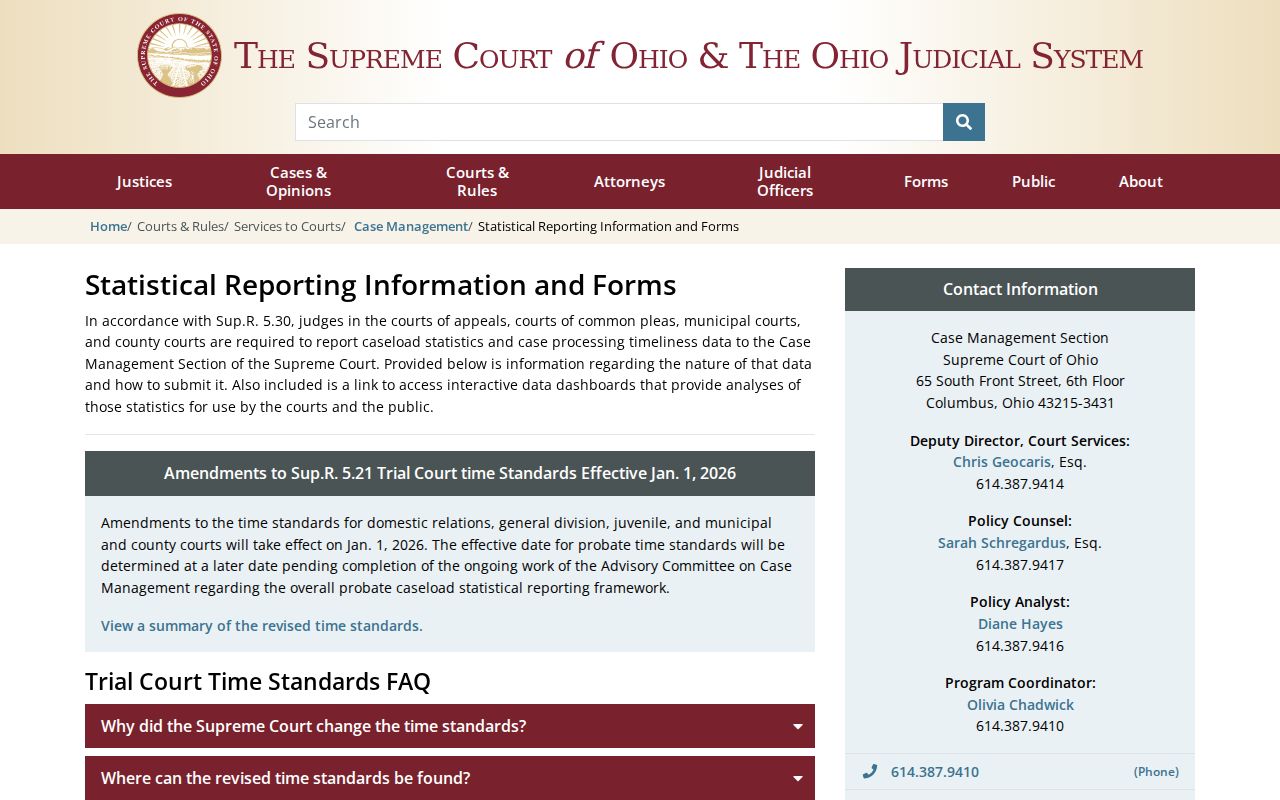
In short, the state reporting material marks the line between aggregate court statistics and an individual Perry County case record.
Which Cases Stay Restricted
Ohio Rules of Superintendence 44 through 47 govern public access to court case records. Exclusions and restrictions are layered on top. A court can restrict access under Sup.R. 45(E). R.C. 2303.901 carves out personal identifiers plus protected juvenile and domestic-relations information. So a portal may show that a filing exists while hiding its protected content. And a no-result search proves nothing about sealing, expungement, or whether a Perry County case was ever filed.
Juvenile and juvenile traffic matters call for extra care. Perry County posts no public Juvenile CaseLook link. For an eligible sealed or expunged criminal case, R.C. 2953.32 sets out the statutory process. The responsible court can explain lawful access channels. No general public search gets around a restriction order.
Ohio access rules. Sup.R. 44–47 govern public access to court case records.
R.C. 2303.901 identifies excluded personal and protected court information.
R.C. 2953.32 supplies the statutory sealing and expungement route for eligible criminal cases.
Perry No-Result Checks
A Perry County search that comes back empty deserves a careful retry. Start with the right court. Then try the local name syntax, or the number format the form accepts. Adjust the type category, and remember the stated Common Pleas posting delay. A result can also be missing because the case sits in another court, carries access limits, or simply falls outside your chosen search terms. A gap is a reason to verify. It is never a basis for a conclusion about a case.
For federal matters, Perry County falls inside the Southern District of Ohio. The Southern District PACER court lookup points to the federal channel. That channel stays fully separate from any Perry County CaseLook system.
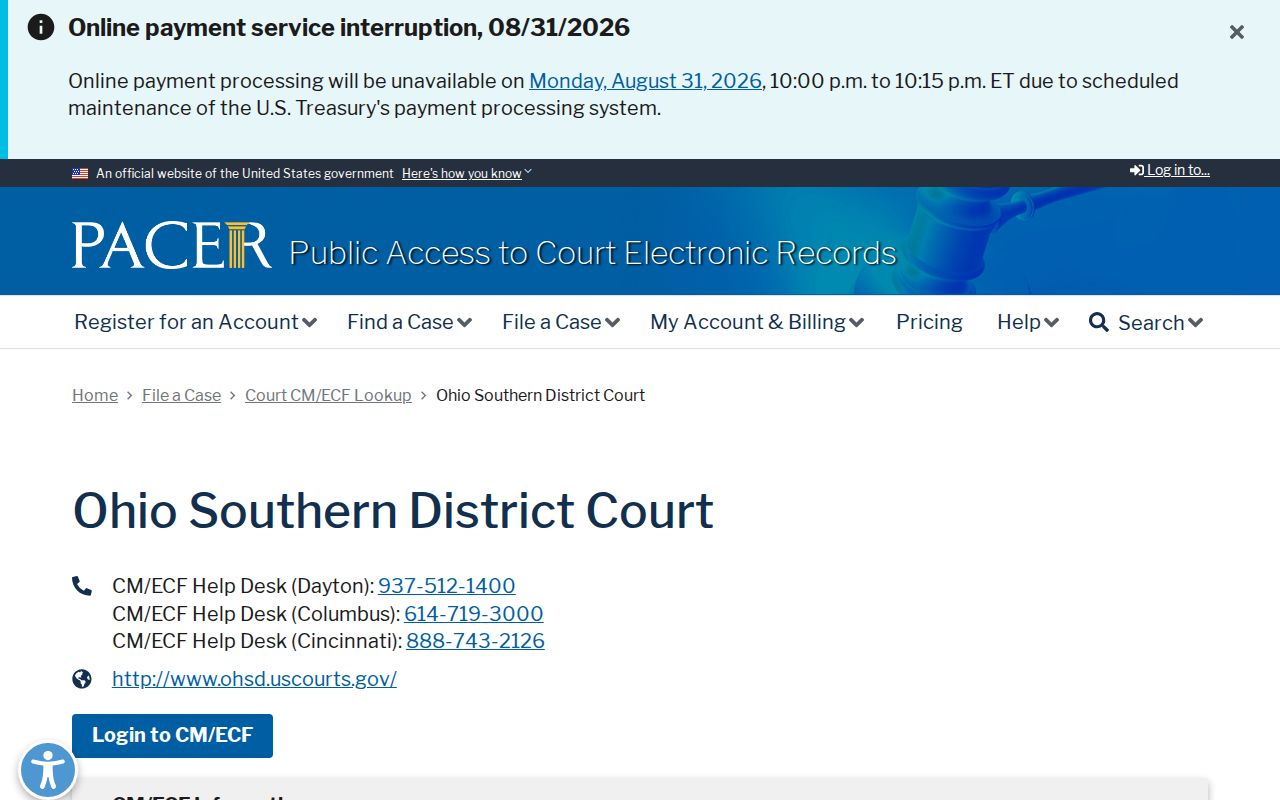
PACER covers federal dockets. It will not fill a gap in a Perry County state-court case history.
A Perry County search still coming up short? Run the syntax, category, and delay checks first. Then call the office that owns the case. Give the court any known name or number. Name the exact docket or document you need. The staff can walk you through inspection, copies, or confirmation. One targeted call beats endless searching across unrelated Perry County portals. It also beats reading an empty screen as an official answer.